
Glass Colour Palette Generator
Preview colours against real glass samples before buying.
- 01 Step 1. Choose a starting palette, or upload a photo you own.
- 02 Step 2. Set two, three or four colours. Photo samples are matched to the existing glass colour registry.
- 03 Step 3. Copy the colour names or download a CSV for your shopping and design notes.
Free · runs in your browser · nothing is uploaded
Processed on your device. Maximum 12 MB; your image is not uploaded.
Your glass palette
These are approximate design colours, not glass manufacturer stock codes. Transparent and opaque glass look different in daylight; compare real samples before buying.
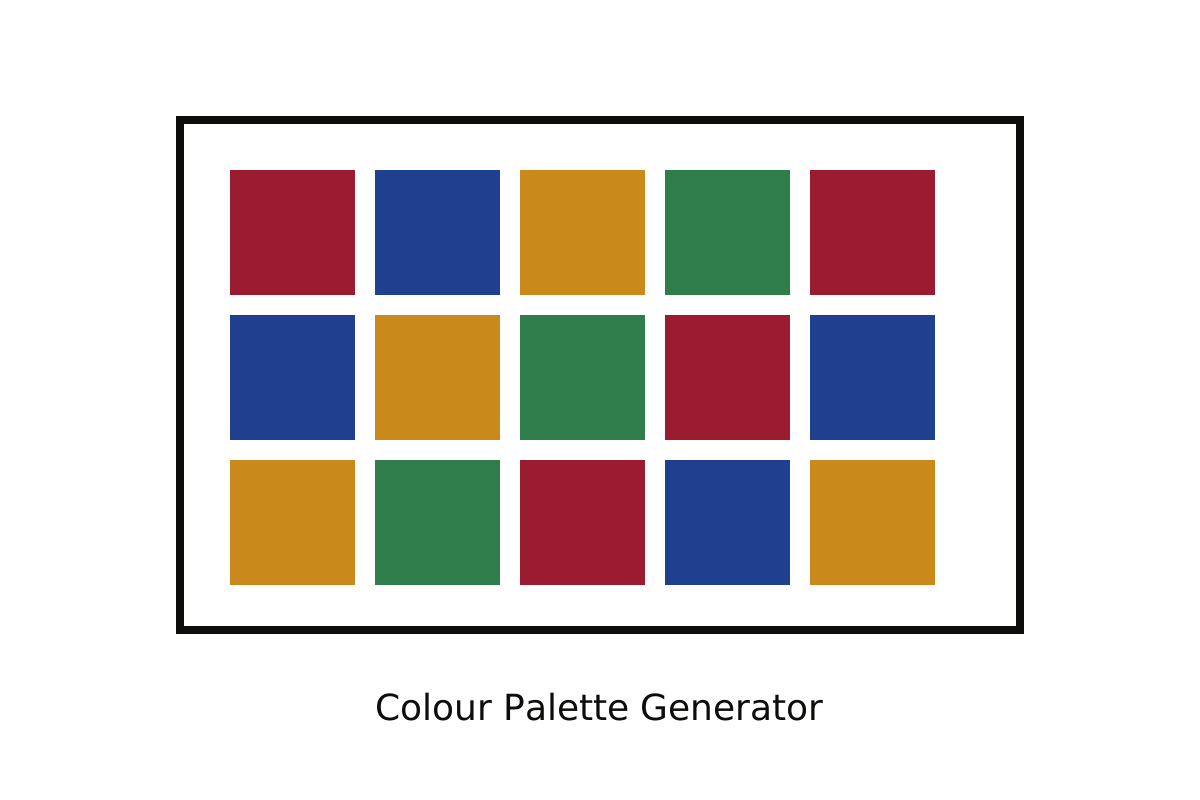
The tool counts nearest-colour matches in a reduced-size photo and lists the most frequent matches. It does not identify manufacturer codes or guarantee a match to a specific sheet. Transparent, opalescent and textured glass change appearance with light. Compare physical samples.
Images are processed in your browser and are not uploaded. Your downloaded palette includes colour names and screen preview values.