
Photo to Geometric Pattern
A geometric interpretation for glass or mosaic, not an organic tracing of your photograph.
- 01 Step 1. Upload a JPG, PNG or WebP photo you own, up to 12 MB.
- 02 Step 2. Choose two to four colours, the finished width and the number of pieces across. Fewer pieces preserve larger shapes.
- 03 Step 3. Generate and inspect the preview. Export a Letter/A4 PDF, SVG seam lines or a coloured SVG reference.
Free · runs in your browser · nothing is uploaded
Processed on your device. Maximum 12 MB; your image is not uploaded.
Your glass palette
These are approximate design colours, not glass manufacturer stock codes. Transparent and opaque glass look different in daylight; compare real samples before buying.
This tool creates a rectangular, colour-block pattern, not an organic tracing. Use the numbered output as a starting cartoon. Check seam allowance, minimum piece size and hanging support before cutting.
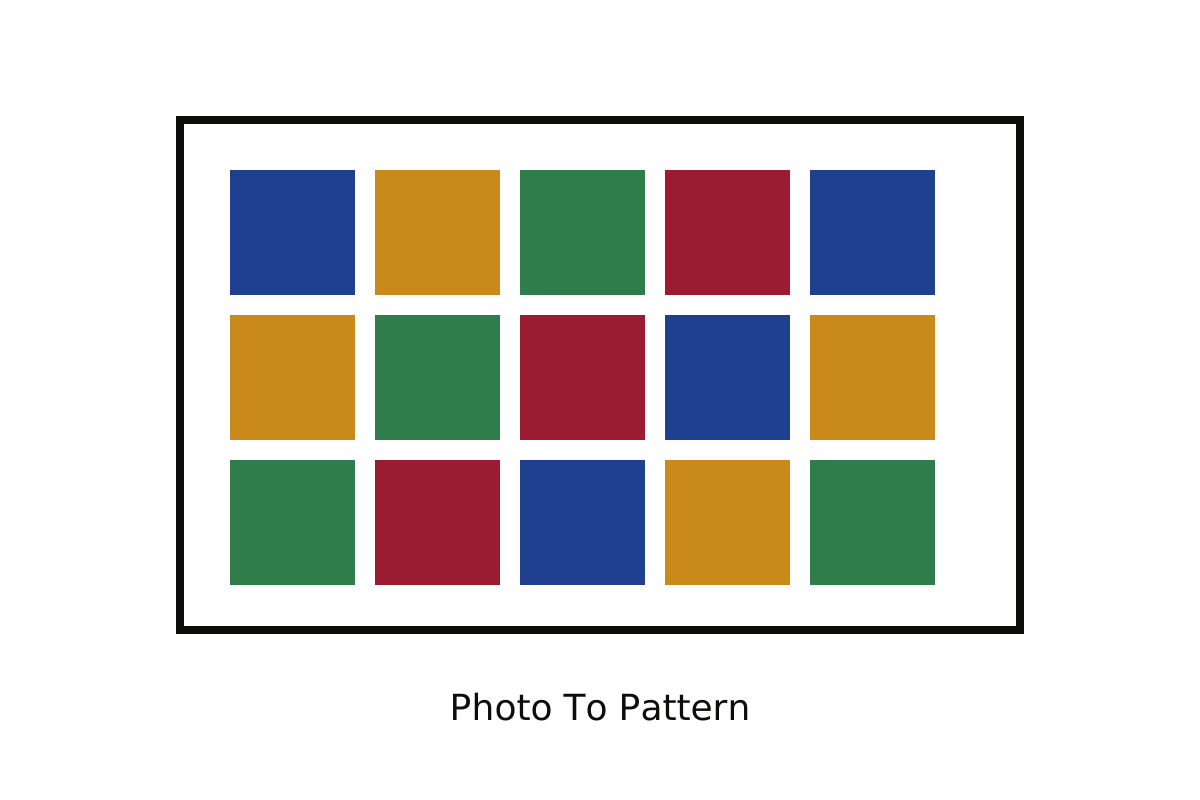
This version converts a photo into broad rectangular cells. It samples each cell, maps its average colour to the chosen glass palette and numbers the result. It does not trace faces, animals or flower contours.
The PDF includes a one-inch calibration square, numbered overlapping tiles and a colour key. The SVG contains closed piece paths and a separate text group. These are seam-centre cartoons, not automatically offset glass-edge templates. Allow for foil or the chosen came heart and dry fit before soldering. Rows of straight seams can behave as hinges, so plan a suitable frame or reinforcement.
For beginners, keep cells at least half an inch across and prefer a small number of larger shapes. Digital generation does not replace a physical test build. The image is processed locally in a Web Worker and is never uploaded.